
Managed IT Services for Small Professional Offices
Our support is built for professional offices that want a reliable IT partner without hiring a full-time internal IT employee or dealing with enterprise-level complexity.
Practical IT Services Built for Small Businesses
Get the day-to-day technology support your office needs — from troubleshooting and device setup to user access, security basics, cloud tools, backups, and keeping your team productive.
-
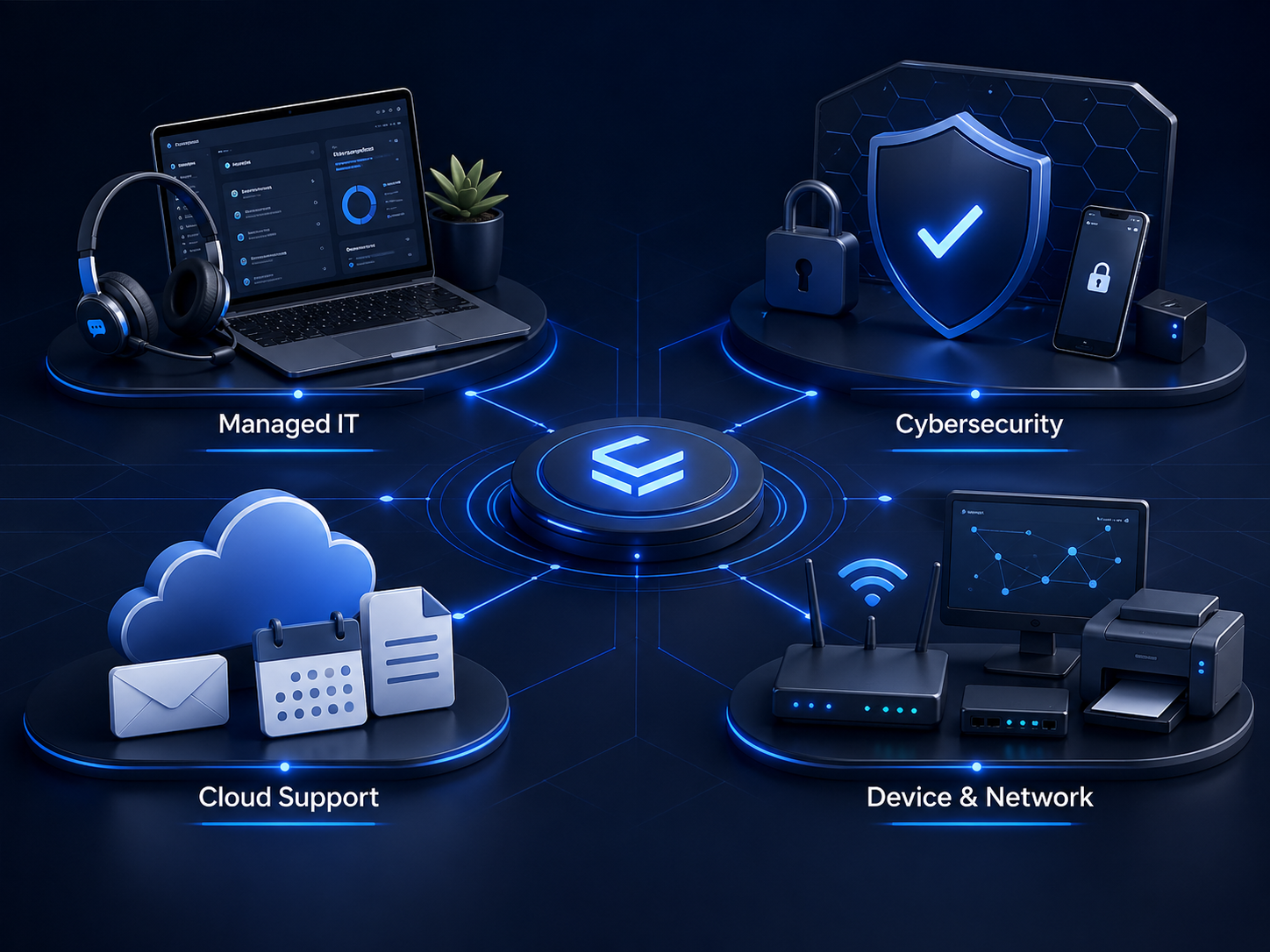
Ongoing helpdesk-style IT support for small offices that need a dependable place to call when technology gets in the way. We help with software issues, login problems, device troubleshooting, user access changes, printer issues, email problems, and general support requests.
-
Practical security support focused on reducing obvious business risks. This includes MFA, password best practices, endpoint protection guidance, account reviews, suspicious email guidance, former employee access cleanup, and safer employee workflows.
-
Support for Microsoft 365, Google Workspace, Outlook, OneDrive, SharePoint, Teams, shared mailboxes, user accounts, permissions, password resets, and basic cloud file organization.
-
Help with business computers, printers, scanners, Wi-Fi issues, workstation setup, basic network troubleshooting, hardware diagnostics, and repair or vendor coordination when hands-on service is needed.
How Working With AtlasTek Starts
We keep the process simple so you know what is happening, what we are reviewing, and what the next step looks like before any ongoing support begins.
Discovery Call
We start with a simple conversation about your office, your team, your current technology setup, and the problems you keep running into. This helps us understand what you need before recommending anything.
Technology Review
We start with a simple conversation about your office, your team, your current technology setup, and the problems you keep running into. This helps us understand what you need before recommending anything.
Support Plan
After the review, we outline what support makes sense for your office, what should be cleaned up first, and whether ongoing managed IT support is the right fit.
Ongoing Support
Once support is in place, your team has a clear place to go for help with troubleshooting, access changes, device issues, email problems, printer issues, basic security, and the daily technology problems that interrupt work.